Some links below are affiliate links. If you buy through them we may earn a commission at no extra cost to you. We only list tools we would use ourselves. How we make money.
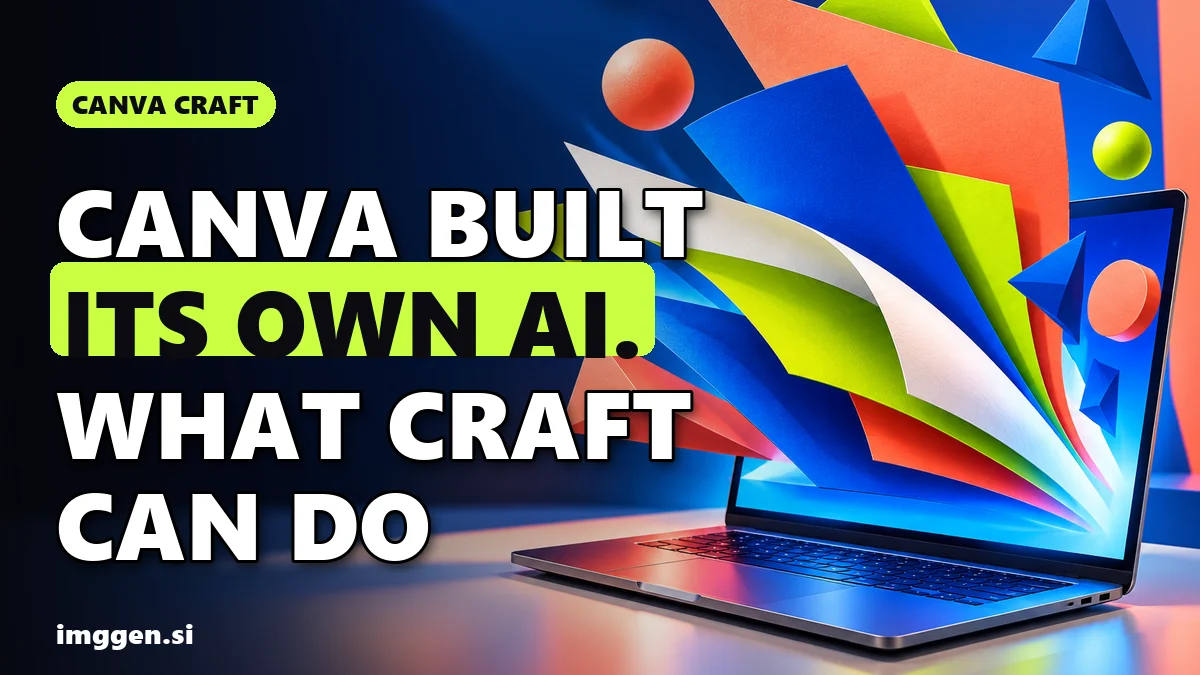
Canva Craft is Canva's first in-house AI image generation model, released on October 22, 2026 to all Canva users through Dream Lab and to developers through Canva's public API. According to Canva, it makes images at up to 2K resolution in more than 30 aspect ratios (or a custom size), writes text in 55 languages, and plans the layout before it renders a single pixel, which is why it is aimed at posters, social posts and ads rather than just pretty pictures.
To use it, open Dream Lab from your Canva homepage, type a prompt and pick one of the four results. Below: what is actually new, how to get good results, what Craft cannot do yet, and when a different tool is the better fit.
What is Canva Craft?
Craft is the first foundation model that Canva Research built and trained from scratch. Until now, Canva's image features leaned on outside models; AlternativeTo notes that an in-house model gives Canva more control over cost, quality and speed. The facts from Canva's announcement:
| What | Details (per Canva) |
|---|---|
| Released | October 22, 2026, to all Canva users globally |
| Where | Dream Lab in Canva, plus the Canva public API |
| Resolution | Up to 2K |
| Sizes | More than 30 aspect ratios, or enter your own |
| Text | Prompts in any language; text in images in 55 languages |
| Training | Millions of human-made Canva templates: posters, social posts, presentations, infographics, menus, typography-rich layouts |
| Editing | Outputs work with Magic Layers, which turns a generated image into editable design elements |
| Coming soon | Canva MCP access for AI assistants; faster, cheaper Craft-fast and Craft-ultrafast variants; more advanced editing and reference-image features |
How is Canva Craft different from other AI image generators?
Three things stand out, all as described by Canva:
- It plans first. Craft uses two stages. A planning model reads your prompt and writes a detailed plan of the composition: which elements appear, where they sit, how big they are, the visual hierarchy, and any text that has to appear. A separate rendering model then turns that plan into the image. Canva says this is what gives it legible text, precise placement and the ability to change one element without redoing the whole image.
- It learned from designs, not just photos. Most image models are trained mainly on photographs. Craft's training put heavy weight on Canva's template library, so it has seen how layout, hierarchy and typography fit together. Canva says its professional designers then judged more than 25,000 head-to-head image pairs during fine-tuning, and when automated scores and designers disagreed, the designer won.
- The output is meant to be edited. Because Craft treats an image as layered elements, Canva says its results convert into editable layers with Magic Layers more accurately and faster. In practice: generate a poster, then move the headline or swap a color in the editor instead of rerolling.
How good is it? Canva says Craft debuted as the fourth most advanced image model on DesignArena, a crowdsourced design leaderboard, which makes Canva Research the second-ranked lab for image generation there. Canva also reports Craft ranked first for People and Portraits (out of 87 models) and Landscapes and Nature (out of 85), second for Abstract and Patterns, and fourth for Products. These are Canva's own figures from a leaderboard that changes constantly, so treat them as a launch snapshot, not a verdict.
How to use Canva Craft in Dream Lab, step by step
Canva's help center describes the Dream Lab flow like this:
- Open Dream Lab. On your Canva homepage, select More, then Dream Lab. It lives on the homepage, not inside the design editor.
- Write the prompt. Describe the subject, the layout and any text you need. Dream Lab returns four options per prompt.
- Refine in plain words. Pick a result and give a follow-up instruction, such as "make the car blue", or select Edit image to describe a specific change.
- Add a reference image (optional). It guides style or composition, and may use your AI allowance depending on how you apply it.
- Boost resolution (optional). This sharpens AI-generated images and uses AI allowance. It is separate from Upscale, which is for low-resolution photos.
- Use it in a design. Drop the image into your design, and use Magic Layers if you want to edit individual elements. Your past results stay under History in Dream Lab.
Prompt tips that play to Craft's strengths
Craft is built around planning layout and text, so tell it about the layout and the words. Canva's own example is that if you ask for a purple sky, long shadows and a lone tree, you get all three with the emphasis where you wanted it. These starting prompts follow that logic; they are research-based, not tested outputs:
Vertical 4:5 poster for a neighborhood jazz night, a saxophone silhouette in warm spotlight at the center, headline "Friday Jazz" in large bold letters at the top, small line "8 PM, Riverside Hall" at the bottom, deep navy and gold, lots of empty space
Square social post for a bakery, flat lay of croissants on a linen cloth seen from above, text "Fresh at 7 AM" in a rounded handwritten style in the upper left, soft morning light, cream and terracotta palette
Wide 16:9 slide background, abstract layered paper shapes in cobalt blue and coral flowing from the right edge, clean empty area on the left for a title, no text
Put exact words in quotes, say where they go, and name the aspect ratio. Need help building prompts like these? Our free prompt studio turns a short brief into a structured prompt.
Is Canva Craft free, and can you use it commercially?
Access: Canva says Craft is available to all Canva users. But Canva's help center also says generating images, using reference images and Boost resolution consume your AI allowance, and that you will be notified when a feature does. How much allowance you get depends on your plan and Canva changes it, so check Canva's current pricing and its 'Understanding your AI allowance' page rather than trusting a number from a blog.
Commercial use: Canva's Dream Lab help page says you own the images you create as long as you follow its Terms, that Canva may host what you generate, and that whether AI images are copyrightable depends on the country. It also warns that recognizable characters or brands may be protected by copyright or trademark, and that Canva cannot give you permission to use them. Prompts that break its content rules are blocked.
What can't Canva Craft do yet?
- Fine print and technical drawings. Canva itself lists these as areas it still wants to improve.
- Advanced editing and reference images. Canva says Craft's structure is the foundation for more advanced editing and reference-image capabilities coming in future releases.
- Assistant access. Using Craft through Canva MCP from AI assistants is marked as coming soon.
- Big prints. Output tops out at 2K. That is plenty for social posts and slides, but large posters or print-on-demand files will usually need an upscaler.
Honest expectations. Craft is brand-new, and launch rankings are a moving target: today's fourth place can change in weeks. Text rendering is its headline strength, but always proofread every word before you publish or print, because AI image models still make spelling and spacing mistakes. And a better image model does not make a design convert on its own: the offer, the copy and the audience still do most of the work.
When should you use something other than Canva Craft?
If you already design in Canva, Craft is the obvious first try: it is in the app you use, and the output drops straight into your design. Another tool makes sense when your next step is something Dream Lab is not built for:
| Your next step | Better fit | Why (from the official site) |
|---|---|---|
| On-brand social posts, then scheduling them | Simplified | Applies your brand kit when generating, lets you pick from 8 model families including Ideogram for clean text, and has a post scheduler |
| Comparing top image models, or printing larger than 2K | getimg.ai | Nano Banana Pro, GPT Image 2.5, FLUX 3 and Seedream 5.0 Flash on one credit balance, plus Upscale Image (up to 16K on its higher plans) |
| Ad creatives in many formats | ImagineArt | Ad Studio creates ad creative in multiple formats and ratios, next to image-to-video |
Simplified is the closest workflow match for small teams. Describe what you need and its assistant, Riley, picks a model and applies your brand colors and type style, or you choose the model yourself (Flux, Recraft, Ideogram, Google Gemini, OpenAI GPT Image, Stable Diffusion, Qwen, Seedream) with up to 14 reference images. Then you queue the post in its scheduler without leaving the workspace.
getimg.ai suits you if you want to see whether Craft really beats the models it was ranked against. Run the same poster prompt through Nano Banana Pro, GPT Image 2.5 and FLUX 3, keep the best, then use Upscale Image, Resize Image or Remove Background in the same workspace before it goes to print.
ImagineArt is the pick when the image is only step one of an ad campaign: its Ad Studio produces ad creative across formats and ratios, and the same dashboard turns a still into video with Kling, Seedance and other models.
Want to see every option side by side? Browse the tool index, or if you are designing to sell, our list of AI side hustles shows where image work turns into paid jobs.
FAQ
What is Canva Craft?
Canva's first in-house AI image generation model, built by Canva Research and released on October 22, 2026. It makes images up to 2K in 30+ aspect ratios and can write text in 55 languages.
How do I use Canva Craft?
On your Canva homepage, select More, then Dream Lab. Type a prompt, pick one of four results, refine it with a follow-up instruction, then use it in a design.
Is Canva Craft free?
Canva says it is available to all users, but generating images in Dream Lab uses your AI allowance, which depends on your plan. Check Canva's current pricing and AI allowance page.
Can Canva Craft put text in images?
Yes. Legible text is a core feature: Craft plans the text placement before rendering and supports text in 55 languages. Proofread every word before publishing.
Can I use Canva Craft images commercially?
Canva says you own Dream Lab images as long as you follow its Terms, but copyrightability depends on your country, and recognizable characters or brands still need the owner's permission.
Sources
- Canva Newsroom: Introducing Canva Craft (Oct 22, 2026)
- Canva Help Center: Generate images with Dream Lab
- AlternativeTo: Canva launches Canva Craft, its first in-house image generation model (Oct 24, 2026)
- Simplified: AI Image Generator (models, brand kit, Riley)
- getimg.ai: image and video models, upscaling and editing in one workspace
- ImagineArt: image, video and Ad Studio workspace