Some links below are affiliate links. If you buy through them we may earn a commission at no extra cost to you. We only list tools we would use ourselves. How we make money.
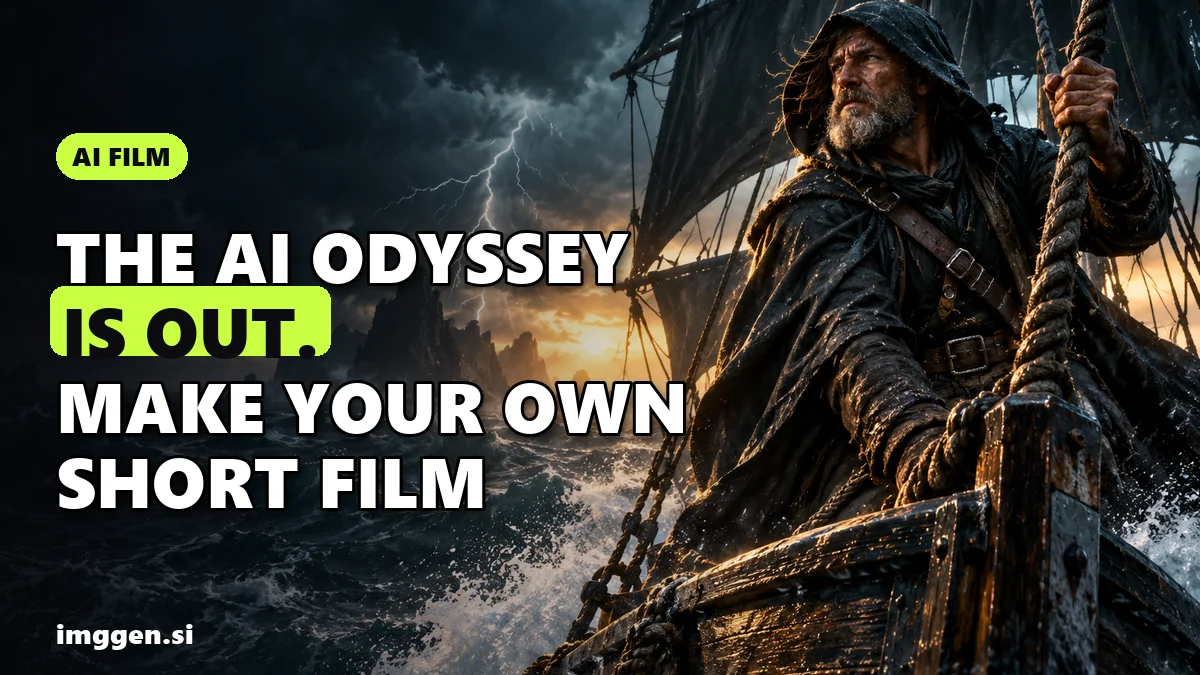
To make an AI short film, write a 60-90 second story, break it into a shot list, lock your characters so their faces stay the same, generate a keyframe for every shot, animate each one, then add voice, music and sound and cut it together. That is the same pipeline, at a much smaller scale, behind the AI-made Odyssey episode that Grok Imagine posted on X on October 23, 2026, which Tesla North reports was credited to Wonder Studios and director Dev Walker.
The lesson from that release is not that a prompt makes a movie. It is that a studio and a director still made the decisions. Below: what actually happened, the seven steps to make your own short film with AI, shot prompts you can copy, and the rules for posting it.
What is the AI 'Odyssey' episode everyone is talking about?
Here are the facts that were reported, with nothing added:
- Release: Grok Imagine posted Episode 1 on Friday, October 23, 2026, and Elon Musk shared it that night with the caption "Odyssey with Grok Imagine" (Tesla North).
- Length: about 7 minutes 12 seconds, posted in 4K (Crypto Briefing; Tesla North says just over seven minutes).
- Credits: a collaboration between Grok Imagine, Wonder Studios and director Dev Walker. Wonder Studios shared it with the line "Homer didn't have Grok... we do."
- Context: Crypto Briefing reports that on July 22, 2026 Musk committed to a historically accurate adaptation of Homer's epic before the end of the year. What arrived first is one episode of a series, not a feature film.
- Reception: according to Crypto Briefing, the clip had millions of views on X, and critics pointed to its casting and to visible generative AI artifacts.
- What's next: Grok Imagine has not said how many episodes are planned or when the next one arrives.
So a seven-minute episode, made by a team with a director, still drew complaints about artifacts. That is a useful benchmark for your own first film: aim for one to two minutes, and spend your effort on story, consistency and sound.
What do you need to make an AI short film?
You do not need one magic 'movie generator'. You need tools for five jobs. Most AI films that hold up are built like this:
| Stage | What you make | What kind of tool |
|---|---|---|
| Story | One-page script and shot list | Any text editor or chatbot |
| Cast | Characters that look the same in every shot | A character or identity feature (Soul ID, Elements, AI Cast) |
| Keyframes | One still image per shot | An image model |
| Motion | 3-10 second clips from each still | An image-to-video model |
| Sound and finish | Voice, music, effects, edit, upscale | Speech and music generators, any video editor, a video upscaler |
If you are new to the video models themselves, our Kling 4.0 review explains what the current flagship can and cannot do.
How to make an AI short film, step by step
1. Write a story that fits in 90 seconds
Short AI films fail when they try to be epics. Keep it to one location, one or two characters and one turn: a want, an obstacle, a surprise. Write it as a one-page script with every line of dialogue. If a moment cannot be shown in a single shot, cut it.
2. Turn the script into a shot list
Number every shot and give each one a line: shot size (wide, medium, close-up), who is in it, what moves, and how long it lasts. A 90-second film is usually somewhere around 12 to 20 shots. Short shots hide AI weaknesses; long takes expose them.
3. Lock your characters before you generate anything else
Character drift, where the hero's face changes between shots, is the fastest way to make a film look fake. Solve it first. Higgsfield's Soul ID, according to its help center, trains on 20 or more photos of one person (up to 80) in a few minutes; you then pick that character when generating, and it carries into Seedance video as an Element. Higgsfield is honest that you should expect "clearly the same person" rather than a pixel-identical face, and that one Soul ID covers one person, so scenes with two or more recurring characters use Elements. Its Cinema Studio also has AI Cast, where you define a character's archetype, physique, outfit and details, and Higgsfield says those actors hold identity and wardrobe across scenes and angles.
Only train a real face that is yours or that you have clear permission to use. For fictional characters, design them from scratch. Our guide to building an AI digital twin of yourself covers the photo set in detail.
4. Generate a keyframe for every shot
Do not jump straight to video. Make one still per shot first, with your locked character, and fix composition, costume and light there. Stills are cheaper to reroll than clips, and a strong first frame gives the video model far less room to improvise. Keep the same lighting words and color palette in every keyframe prompt so the film feels like one world.
5. Animate each shot, and pick the model per shot
Feed each keyframe into an image-to-video model with one clear action and one camera move. Different models are better at different things (fast action, faces, physics, dialogue), so it pays to try the same shot in two or three.
Two ways to do that. Higgsfield's Cinema Studio lets you choose the engine per shot, set a genre for the whole scene, add camera moves as tags that run in order, regrade the look with an era slider from the 1960s to the 2000s, and pick montage pacing so the scene arrives already cut. Higgsfield lists up to one minute per generation in native 4K and up to 50 references per generation. If you would rather compare models side by side on one credit balance, getimg.ai offers Kling 4.0, Seedance 2.5, Wan 3.0, Gemini Omni Flash and MiniMax among its video models, and lets you save a character, style or product as an Element to reuse across generations.
6. Add voice, music and sound effects
Sound does more for believability than resolution. Record or generate the dialogue, add room tone and footsteps, and pick music that matches the turn of the story. Some video models generate audio in the same pass; Higgsfield describes Seedance 2.0 as producing synced lip-sync, sound effects and music together. getimg.ai also has Create Speech for voiceovers and Create Music for original tracks from a short brief, which keeps everything in one place.
7. Edit, upscale and export
Cut in any editor you like. Trim every clip to its best two or three seconds, cut on motion, and hide small glitches with a cutaway. Then upscale the final picture if you need it sharper; getimg.ai lists Upscale Video for that. Export a 16:9 master and a 9:16 vertical version for Shorts, Reels and TikTok.
Copy-paste prompts for cinematic AI shots
Use one formula for every shot so the film stays consistent: shot size + character + one action + setting + light + camera move + mood. These are research-based starting points, not tested outputs; adjust them to your story and model.
Opening wide shot:
Wide establishing shot, a small wooden fishing boat with a dark sail on a grey stormy sea at dusk, distant lightning, cold teal light with warm lantern glow on deck, slow push-in, anamorphic widescreen, 35mm film grain, tense and lonely mood
Character close-up (with your saved character):
Close-up of [your character], rain on her face, she looks up at the sky and exhales, lantern light from the left, shallow depth of field, static camera, quiet determination
Action beat:
Medium shot, [your character] pulls hard on a wet rope as a wave hits the side of the boat, water spray, handheld camera shake, fast and urgent, same teal and amber grade
The turn:
Over-the-shoulder shot, through the rain [your character] sees a lighthouse beam sweep across the water for the first time, slow dolly forward, the mood shifts from fear to hope
Want more structure? Build and save your own prompt briefs in our free prompt studio, and compare video tools in the tool index.
How long does an AI short film take, and what does it cost?
There is no honest single number. Video generation is billed in credits, and the credits per clip depend on the model, the length and the resolution you pick, so check the current pricing on each tool before you plan a project. What you can plan for is rerolls: expect to generate several versions of most shots to get one you can use, and budget extra credits for the shots with faces and hands.
Honest expectations. Your first AI short film will have visible flaws: hands, background details, eyes that drift. A seven-minute episode made by a studio and a director still drew criticism for artifacts. Most first films get few views, and making one does not mean anyone will pay for it. What it does give you is a portfolio piece and a repeatable workflow. Start with 60 seconds, finish it, and then make the next one better.
Can you post, monetize or own an AI short film?
Disclosure. YouTube requires creators to disclose AI-generated or altered content that seems realistic, such as a realistic scene that did not happen or a real person appearing to say something they did not. Clearly unrealistic content, such as an animated or fantasy world, does not need the label. You set it in YouTube Studio under the AI use option when uploading. YouTube says disclosing alone does not limit a video's audience or monetization eligibility, but creators who consistently fail to disclose can face labels, removal or suspension from the YouTube Partner Program.
Ownership. In the US, the Copyright Office concluded in January 2025 that prompts alone do not make an AI output protectable; protection can cover human-authored expression, including creative arrangement or modification of the output. Your script, your edit and your choices of what to keep matter. Rules differ by country, so check locally before you sell rights.
Likeness and characters. Do not put real actors, public figures or trademarked characters in your film. Retelling public-domain stories is fine; borrowing a studio's characters or a celebrity's face is not.
Mistakes that make AI films look fake
- Long takes. The longer a clip runs, the more it drifts. Cut early.
- No locked cast. Generate your characters once, save them, and reference them in every shot.
- Changing the look shot to shot. Keep one light description and one color grade for the whole film.
- Silence. A film with no room tone feels synthetic even when the picture is good.
- Too much story. One turn, told clearly, beats an epic told badly.
Building an audience around your films instead? Our guide to AI side hustles covers where short-form video work can turn into paid projects.
FAQ
How do you make an AI short film?
Write a 60-90 second script, break it into a shot list, lock your characters, generate a still for each shot, animate each still with an image-to-video model, then add voice, music and sound and edit it together.
What is the AI Odyssey episode?
A roughly seven-minute episode posted by Grok Imagine on October 23, 2026 and shared by Elon Musk. It was credited to Grok Imagine, Wonder Studios and director Dev Walker.
How do I keep the same character in every AI shot?
Train or save the character once and reference it in every generation, for example with Higgsfield Soul ID, Elements or AI Cast, or getimg.ai Elements. Expect the same person, not a pixel-identical face.
Do I have to label an AI short film on YouTube?
Yes if it looks realistic, such as a realistic scene that never happened. Clearly animated or fantasy content does not need the label. YouTube says disclosure alone does not limit monetization eligibility.
Can I copyright an AI-generated film?
In the US, prompts alone are not enough. Human-authored parts, like your script and creative arrangement or modification of the output, can be protected. Rules vary by country.
Sources
- Tesla North: Elon Musk shares Episode 1 of Grok Imagine's AI-made Odyssey series (Oct 25, 2026)
- Crypto Briefing: Musk's Grok releases first seven minutes of AI-generated Odyssey series (Oct 25, 2026)
- Higgsfield: Cinema Studio (cinematic video generator)
- Higgsfield Help Center: How do I create and use a Soul ID character?
- Higgsfield: AI video generator and models
- getimg.ai: image, video, music and speech models in one workspace
- YouTube Help: Disclosing use of altered or synthetic content
- U.S. Copyright Office: Copyright and Artificial Intelligence, Part 2 copyrightability (Jan 29, 2025)