Some links below are affiliate links. If you buy through them we may earn a commission at no extra cost to you. We only list tools we would use ourselves. How we make money.
The best AI Christmas photo starts with a real one. Upload a sharp picture of your family, your partner, your pet or your product, and let an AI editor change the room, the outfits, the light and the snow while the faces stay yours. Then check it, size it, print it and post it in time. This guide covers every step, with prompts you can paste tonight and the 2026 mailing dates.
Pick your project
- Family photo for the card: one real group photo, a new scene around it. Step by step: AI Christmas family photo without a photoshoot.
- Couple photo: two people from one real photo, a Christmas market or a snowy cabin behind you.
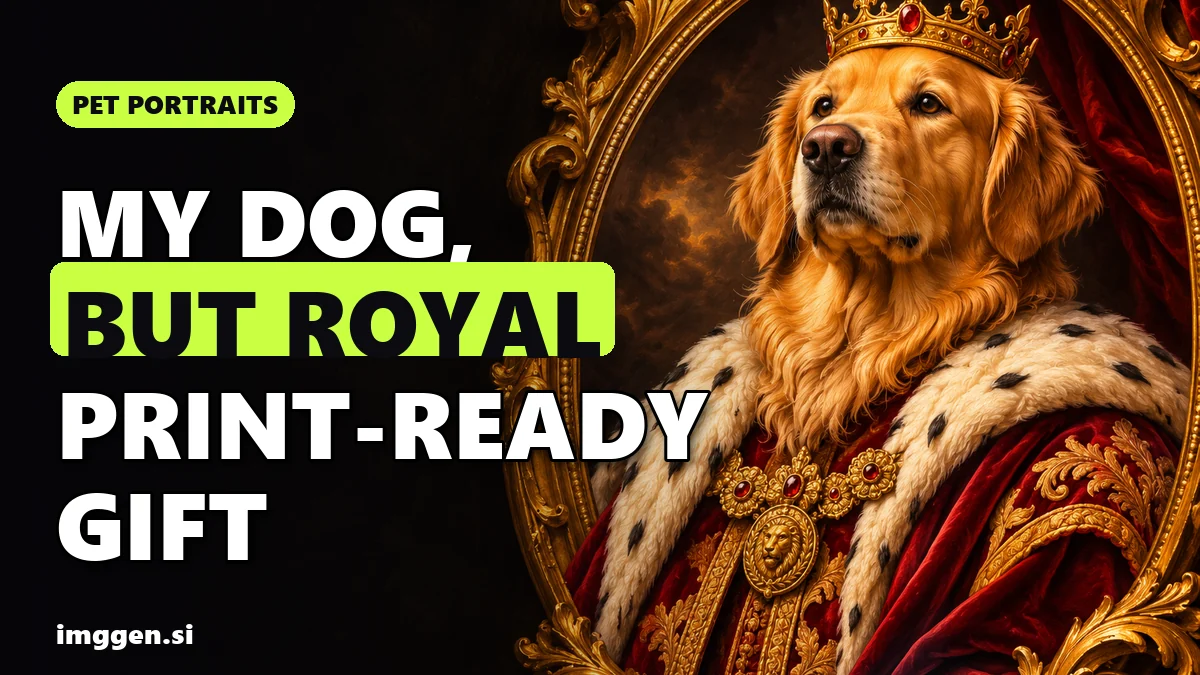
- Pet portrait: royal, renaissance or Santa hat, from your own pet's photo. Six styles in AI pet portraits people actually buy.
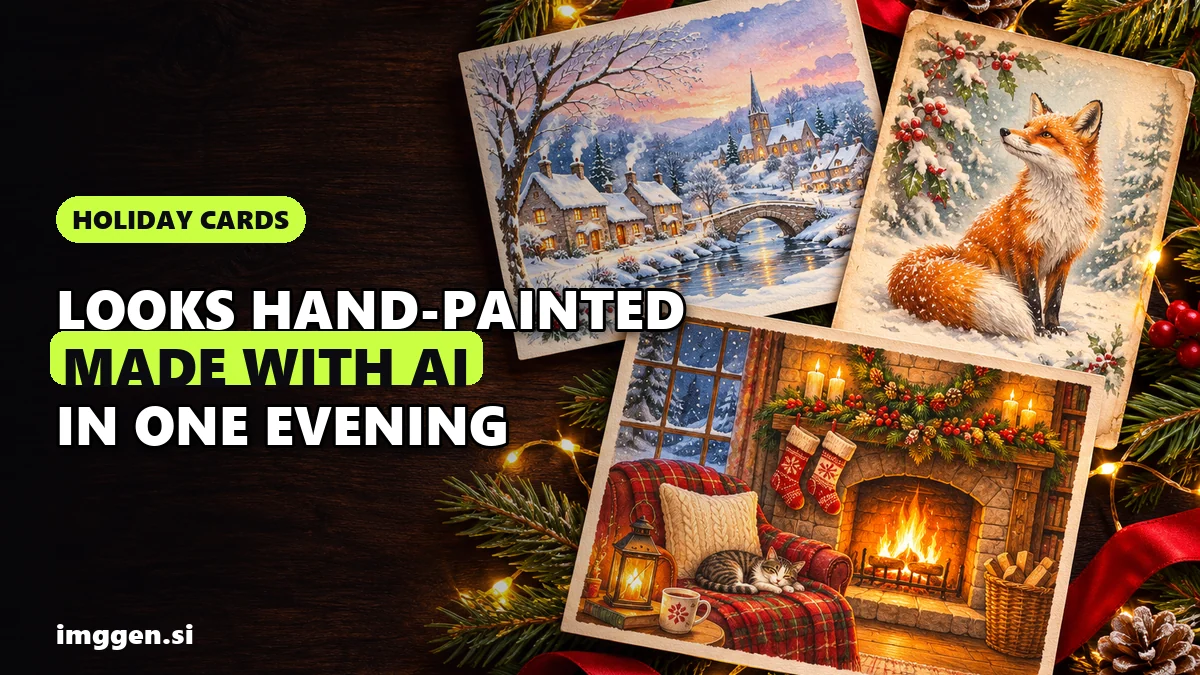
- Illustrated card: no faces, a painted look, the greeting added afterwards. Ten prompts and print sizes in AI Christmas card generator.
- Something playful: put the family in a snow globe, or catch Santa on camera in your own living room.
- Shop product photos: holiday scenes around the real product. Start with 12 Christmas product photography ideas.
- Holiday ad: a short vertical video from one product photo, covered in Black Friday video ads with AI.
Which tool for which job
| Job | Tool | Why it fits |
|---|---|---|
| Family, couple or pet photo from your own pictures | ImagineArt | Upload a JPG, PNG or WEBP up to 30MB, describe the change and say what must stay the same |
| Quick retouch or background swap on a real photo | Fotor | Retouching, object removal and background swap, on web and phone |
| A moving video greeting, or the same person in many new shots | Higgsfield | Image to video from your photo; Soul ID trains a character from 20+ photos, per Higgsfield |
| Card layout and greeting text | Simplified | Templates, brand kit and resizing, so the words are real type, not AI lettering |
| Shop product photos | Photoroom | AI backgrounds that match your photo's lighting and perspective, adjustable shadows, batch editing |
| Upscaling for print | Magnific | Precision mode keeps detail without inventing; Creative mode adds detail; 2x up to 16x |
The method that keeps faces yours
Ask a generator for "a happy family by the fireplace" and you get convincing strangers. Edit your own photo instead.
- Choose the base photo. Faces large and sharp, eyes open, soft even light. The AI can replace a room. It cannot rescue a blurry face.
- Describe one scene per prompt. Setting, outfits, light, mood. Then end with what must not change: every face, expression and pose.
- Compare side by side. Original next to the result, zoomed in. Faces first, then hands, then anything with text.
- Size it for where it goes. A phone greeting, a social post or a print. Print needs far more pixels (see below).
ImagineArt's AI Image Editor is built for this kind of edit, and its own advice matches step 2: say what must stay the same, like "keep her face and pose unchanged". Its free plan downloads up to 720p for personal use; paid plans go up to 4K with commercial use. That is fine for a WhatsApp greeting and too small for a printed 5x7, so check the current price before a big batch.
7 copy-paste Christmas AI prompts
Upload your photo first for prompts 1 to 4 and 6. Change the details in brackets to match your people, pet or product.
- Family by the fireplace: "Keep every person, face, expression and pose exactly as in the uploaded photo. Change the setting to a cozy living room on Christmas Eve: a stone fireplace with a low fire, a decorated tree with warm white lights on the left, stockings on the mantel. Dress everyone in knitted Christmas sweaters in cream, red and forest green. Warm light from the fire, gentle film grain, eye-level family photo. No text."
- Couple at a Christmas market: "Keep both faces, hairstyles and our pose exactly as in the photo. Place us at an evening Christmas market: wooden stalls with string lights, a soft blur of people behind us, light snow falling. Wool coats and scarves, each of us holding a mug of hot chocolate, natural hands with five fingers. Candid look, as if a friend took it on a phone, warm bokeh. No text."
- Matching pajamas, Christmas morning: "Keep every face and pose unchanged. Change the outfits to matching red and white plaid pajamas and the setting to Christmas morning: torn wrapping paper on the floor, a glowing tree, bright window light. Cheerful candid photo, slightly wide angle. No text."
- Pet in a Santa hat: "Keep my [dog] exactly as in the photo: face, fur colour and markings, including [the white patch on the chest]. Add a small red Santa hat that sits naturally between the ears. Place [him] on a plaid blanket in front of a Christmas tree, warm lights softly blurred behind. Eye-level pet portrait, shallow depth of field. No text."
- Illustrated card, no photo needed: "Loose watercolour illustration of a small red cottage in a snowy pine forest at dusk, warm light in the windows, a fox in the foreground, white paper showing through. Leave the top third as plain pale sky for a greeting. Portrait 5:7. No text, no letters, no signature."
- Product on a holiday table: "Keep the product, its shape, colours and label text exactly as in the photo. Place it on a wooden table with pine branches, a few gold baubles and a linen ribbon, soft window light from the left, a gentle shadow under the product. Softly blurred background, empty space on the right for a headline. No added text."
- Holiday ad clip (image to video): "Start from my product photo. Slow push-in on the product on a snowy windowsill, snowflakes drifting past outside, fairy lights twinkling behind. The product does not move and the label stays sharp and unchanged. 8 seconds, vertical 9:16. Sound: a crackling fire and a quiet sleigh bell."
Make it move: a short video greeting
A finished card photo can become a short clip for WhatsApp or Instagram Stories. Upload it to an image-to-video tool and ask for one small motion: snow falling outside the window, the fire flickering, everyone raising a mug. Keep it small on purpose. Higgsfield's own page warns that faces, text, colours and fine details can change as movement develops, so the less people move, the more they look like themselves.
Want the same person in several new photos, not one edited shot? Higgsfield's Soul ID trains a character from 20+ of your photos, according to Higgsfield. Train it on yourself, or on adults who have said yes.
Shop product photos and holiday ads
For sellers the rule flips: change the scene, never the product. Shoot it plain in daylight, cut it out and generate the Christmas scene around it. Photoroom's AI backgrounds are designed to match the lighting and perspective of your original photo, you control the shadow's softness and position, and its batch editor applies the same edit to up to 250 images at once.
Marketplace image rules still apply when the scene is AI-made: see AI product photos on Etsy. Black Friday is on 27 November this year. For a creator-style ad image to animate with prompt 7, start from our UGC brief:  Scroll-Stopping UGC Ad prompt
A first-person UGC-style shot of a hand with a natural manicure holding an unbranded frosted glass serum bottle with a gold dropper, covered in fresh water droplets, above a marble bathroom sink with eucalyptus leaves, like a real customer filming their morning routine. · Commercial Studio Product Photography · Camera: Phone-camera POV at 26mm equivalent, f/1.8, product sharp in the center third, background gently blurred · Lighting: Morning window light as key from the side, white marble as natural bounce, crisp specular highlights on glass and droplets · authentic UGC ad aesthetic, premium but natural, dewy texture, clean label area for your own branding, social-first 4:5 crop, conversion-focused composition --ar 4:5 --no fake brand names, readable text, distorted fingers, extra fingers, harsh flash, cluttered counter, watermark, plastic-looking skinCustomise it in the free studio
The realism and consent checklist
- Faces: compare each face with the original at full size: eye colour, teeth, glasses, freckles, ears. If someone looks ten years younger, regenerate.
- Hands: count fingers, check rings and look at anything people hold.
- Text: ask for no text and add the greeting in a design editor. AI lettering often comes out garbled.
- Pets: markings on the correct side, the right ear shape, the collar they really wear.
- Products: label, colour and size unchanged, or the returns arrive in January.
- Consent: ask every adult before you upload their photo, and ask parents before you upload their children. Read the tool's privacy policy for how it stores uploads.
- Labels: YouTube asks you to disclose realistic AI-made or altered content (it lists beauty filters as minor edits that don't need it). TikTok requires a label on AI-generated or significantly edited content showing realistic-looking scenes or people. Meta requires you to use its AI disclosure tool when you post photorealistic video or realistic-sounding audio.
- Honesty: a family card needs no footnote, but never post an AI image of a real person doing something they never did as if it happened.
Print sizes and upscaling
Printers ask for 300 pixels per inch at the final size, plus bleed: image that runs past the cut line.
| Card | Trim size | Pixels at 300 ppi | File with bleed |
|---|---|---|---|
| 5x7 in, flat (US) | 5 x 7 in | 1500 x 2100 px | 5.25 x 7.25 in, 1575 x 2175 px (WHCC) |
| A6 (UK and EU) | 105 x 148 mm | 1240 x 1748 px | 109 x 152 mm, about 1288 x 1796 px (MOO) |
A 720p download has a short side of about 720 px, less than half of what a 5x7 with bleed needs. Upscale before you lay out the card. Magnific's Precision mode "prioritizes clarity, sharpness, and detail recovery without inventing new elements", which is what you want for real faces. Creative mode adds new detail and suits illustrated cards, but re-check hands and faces afterwards. Its docs suggest starting with moderate factors, 2x to 4x. Your printer's template beats any table, including this one.
Print and send timeline for Christmas 2026
Two deadlines stack up: the printer has to get the cards to you, then the post has to get them to everyone else.
United States: USPS send-by dates (contiguous US)
- Wednesday 9 December: First-Class Package International and Priority Mail International, including to Canada and Europe. The page has no separate line for international letters, so we treat this as the safe date for cards abroad.
- Thursday 17 December: First-Class Mail and USPS Ground Advantage.
- Friday 18 December: Priority Mail.
- Saturday 19 December: Priority Mail Express.
USPS also notes that Hanukkah runs from 4 to 12 December this year, so send those cards earlier.
United Kingdom: Royal Mail last recommended posting dates
- Friday 18 December: 2nd Class.
- Saturday 19 December: Tracked 48.
- Monday 21 December: 1st Class and Tracked 24.
- Wednesday 23 December: Royal Mail Special Delivery.
Treat these as recommendations: earlier is safer. We could not find Royal Mail's 2026 international dates, so confirm them at a Post Office or on Royal Mail's site before posting abroad.
The printer comes first
Shutterfly's 2026 guide says to order by Wednesday 16 December (Economy or Standard), Friday 18 December (Expedited), Saturday 19 December (Rush) or Monday 21 December (Super Rush) to receive the order by the holidays. That means delivered to you, not to your relatives. If the box arrives on the 23rd, the posting dates above have passed, so order early enough to leave time for writing and posting.
A calm plan
- This week: pick the base photos and make the image.
- By late November: approve it, upscale it, lay out the greeting and order one test print if your printer offers it.
- Early December: order the full run.
- By 9 December: cards going abroad from the US.
- By 17 December (US First-Class) or 18 December (UK 2nd Class): everything else.
- Any time up to Christmas Eve: e-cards and video greetings.
All articles on this topic
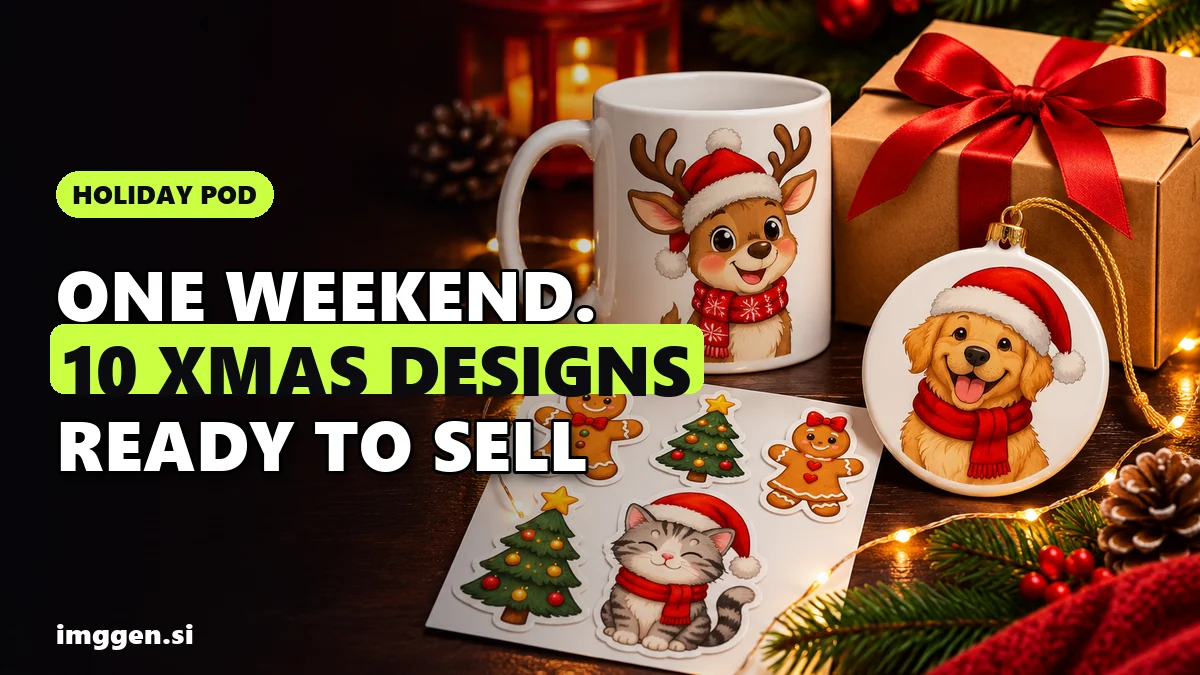
- Sell Christmas Designs With AI: 10 Prompts, Print-Ready Files, Etsy Rules and 2026 Cutoffs
- AI Christmas Card Generator: 10 Free Prompts for a Hand-Painted Card That Prints Sharp
- AI Pet Portraits People Actually Buy: Royal, Renaissance and Christmas Prompts That Print
- AI Santa Video: Make a "Santa Caught on Camera" Clip in Your Own Living Room
- AI Snow Globe Photo: Put Your Family, Pet or Product in a Snow Globe (Copy-Paste Prompts)
- AI Christmas Family Photo: Make Your Card From Real Photos, No Photoshoot
- Black Friday Is 32 Days Away: 12 Christmas Product Photography Ideas You Can Make With AI
FAQ
How do I make an AI Christmas photo of my family?
Start from a real, sharp photo of your family, upload it to an AI image editor and describe the new scene, ending the prompt with what must stay the same, such as every face and pose. Compare the result with the original face by face, then upscale it if you want to print.
Can I make an AI Christmas card for free?
For a card you send by phone, yes. For print, free downloads are often too small: ImagineArt's free plan downloads up to 720p for personal use, while a 5x7 inch card needs about 1500 x 2100 pixels at 300 ppi. Upscale the file or use a paid export, and check the current price first.
When should I mail Christmas cards in 2026?
In the contiguous US, USPS recommends sending First-Class Mail by Thursday 17 December, and international packages by Wednesday 9 December. In the UK, Royal Mail's last recommended dates are Friday 18 December for 2nd Class and Monday 21 December for 1st Class.
Do I need to label an AI Christmas photo on social media?
If it looks real, often yes. YouTube asks you to disclose realistic AI-made or altered content, TikTok requires a label on realistic-looking AI scenes or people, and Meta requires its AI disclosure tool on photorealistic video. A printed card has no platform rule, but don't present an AI image of real people doing something they never did as real.
Is it OK to upload other people's photos to an AI tool?
Ask first. Get a yes from every adult in the photo and from parents before you upload their children, and check the tool's privacy policy for how it stores and uses uploads.